How to Auto Reply to Instagram Comments with a DM (2026 Tutorial)
How to send an automatic DM when someone comments a keyword on your Instagram post: connect your account, pick a post, and set a keyword rule with a public reply and a private message.
In this video
- Connect an Instagram Business or Creator account (or a Facebook Page) through Meta’s official login
- Open your post library and a post’s insights
- Create a keyword rule: Exact match, Contains or Regex, with optional case sensitivity
- Add a public comment reply and a private DM with your link
- See what your follower gets: the comment, the public reply and the DM
- Turn on reply-to-unlock so the link is sent after they reply
About this tutorial
Comment-to-DM automation turns "comment GUIDE for the link" posts into a hands-off funnel: when someone comments your keyword, SocialAutoDM replies publicly under their comment and sends them one private message with your link, through Meta’s official API. It works with Instagram Business and Creator accounts and with Facebook Pages, and you connect through Meta’s own login, so you never share a password. Rules match a keyword exactly, anywhere in the comment, or by regex. Reply-to-unlock asks people to follow and reply before the link is sent, because Instagram lets no tool verify follows. One plan covers one connected account for $3.99 a month, and you can cancel anytime. The account in this video is a demo brand.
Transcript
Hi! In the next three minutes, you'll set up SocialAutoDM to answer Instagram comments with a DM, automatically.
This is your dashboard. Your plan covers one connected account: an Instagram Business or Creator account, or a Facebook Page.
Click Connect Instagram Account. You'll approve access on Meta's own screen, through the official API, so you never share your password.
And you're back, with the account connected. Every post from it is here, in your post library.
Each post also has its insights, like reach, likes and saves, one click away.
Now pick the post you want to automate. I'll take this one, the free starter guide.
Click Automation rules on the post.
On the left are the rules this post already has. None yet. On the right, you build a new one.
First, the trigger. Type the word people will comment. I'll use guide.
Set the match type to Contains, so guide anywhere in the comment counts. Exact match and Regex are here too.
Leave Case sensitive off, so guide in capitals or in lowercase both match.
Next, the public reply. It's posted under their comment, so everyone can see you answered.
Then the private message, with the link to your guide.
Click Create rule, and it's live.
There it is, active. You can edit it, pause it, or delete it at any time.
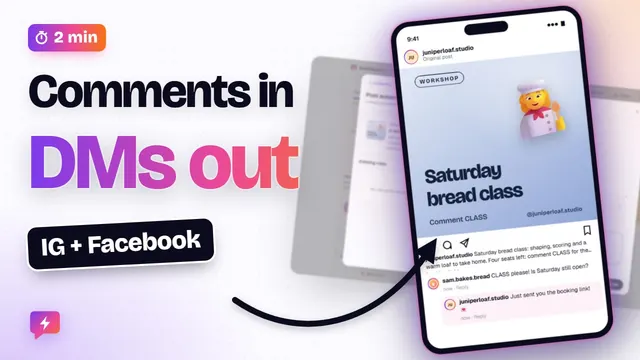
Here's what your follower sees. They comment guide on your post.
SocialAutoDM answers right under their comment, with your public reply.
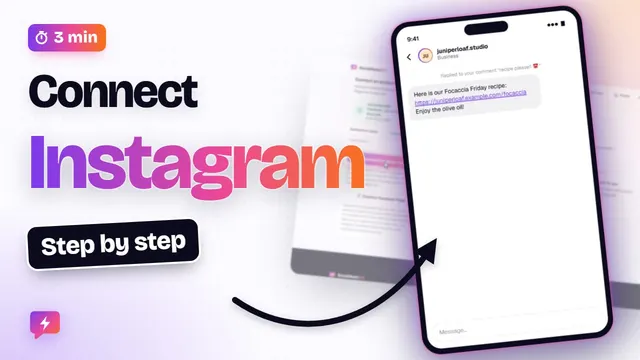
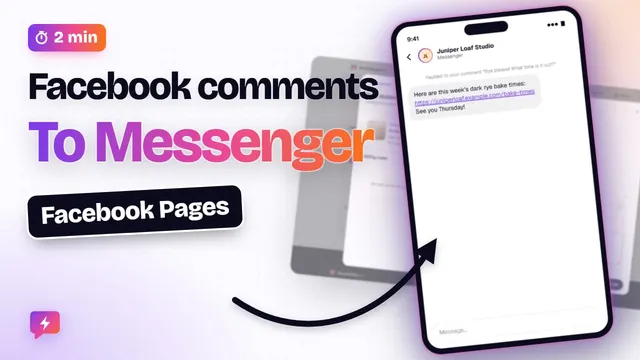
And your message arrives in their inbox, with the link. Meta allows one private reply per comment, so each comment gets one DM.
Want new followers from it, too? Open the rule again, and click Edit.
Turn on Require a reply before sending the DM. Instagram doesn't let any tool check who follows you, so this asks people to follow and reply first.
Write that ask here. It's sent as soon as they comment.
Then pick the word they reply with. Leave it empty to accept any reply.
Your link now waits for their reply. Click Update rule, and you are done.
That's it: a keyword, a public reply, and a DM. SocialAutoDM is $3.99 a month, and you can cancel anytime. Next up: a 2-minute tour of everything SocialAutoDM does. See you in the next video!
SocialAutoDM works with Instagram Business/Creator accounts and Facebook Pages via Meta’s official APIs. The bakery in this video is a fictional demo account.